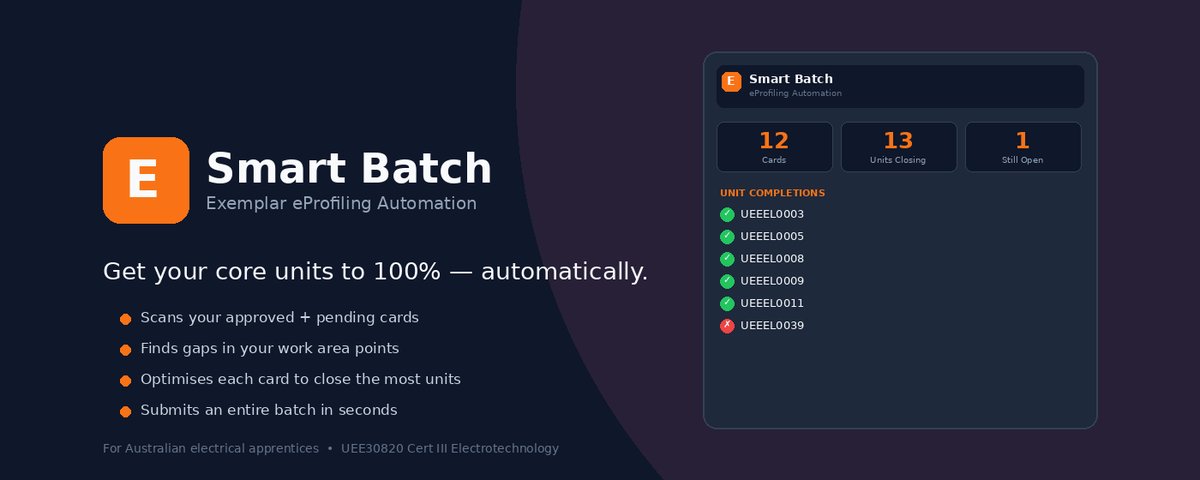
Exemplar Smart Batch
Chrome Extension · eProfiling Automation · Adelaide, AU
// the problem
Every electrical apprentice in Australia doing a Certificate III in Electrotechnology (UEE30820) has to complete 14 core units through the Exemplar eProfiling system. Each unit requires a certain number of points across specific work areas, earned at a rate of 1.4 points per hour worked. With 8 different work areas and each weekly card allowing a maximum of 3, the combinations get complex fast.
Manually creating cards is slow, each one requires selecting work areas, equipment, activities, hours, and a supervisor. Most apprentices don't even know which work areas to prioritise, leading to inefficient point distribution. Backfilling weeks of missing cards can take hours of repetitive data entry, and there's no built-in tool to calculate what you actually need to close your remaining units.
// the solution
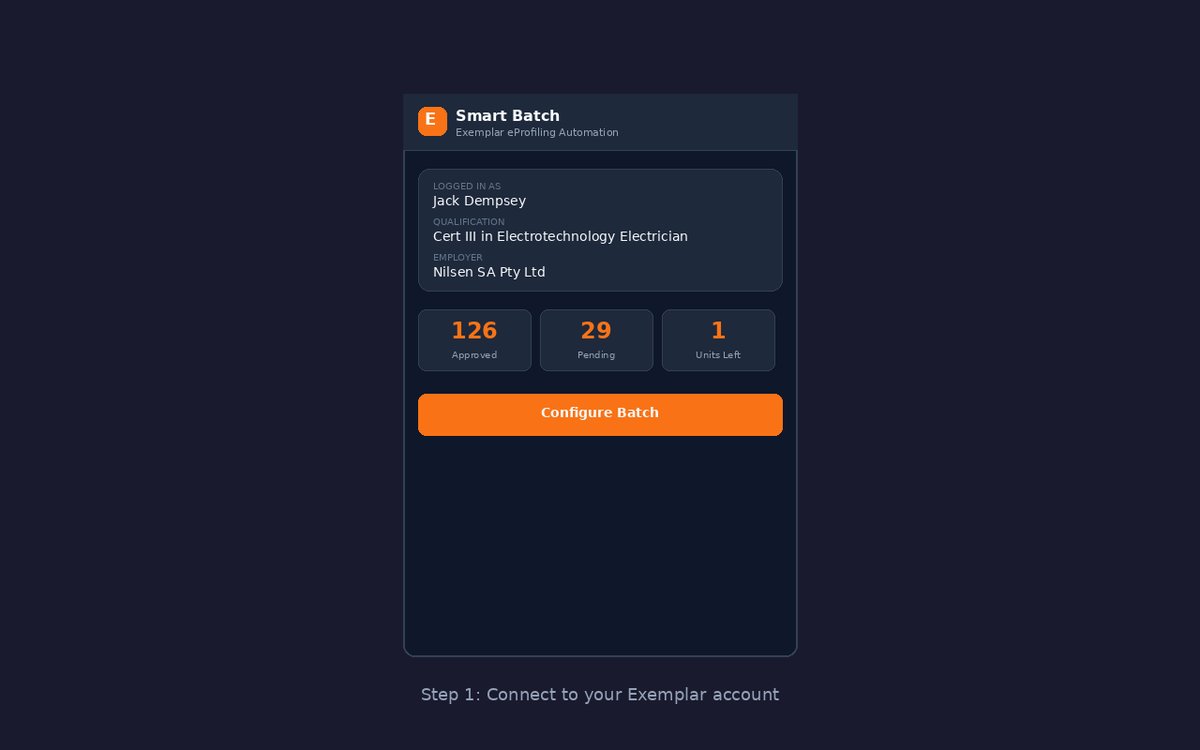
I built Exemplar Smart Batch, a Chrome extension that automates the entire process. It connects to the user's existing Exemplar session, reads their card history and qualification data, then uses a custom optimisation algorithm to generate the most efficient batch of cards possible, and submits them all in one click.
// how it works
// the algorithm
The core of Smart Batch is a greedy optimisation algorithm that determines the best 3 work areas to assign to each card. It's pure JavaScript with no AI or machine learning, just deterministic logic that always produces the optimal result.
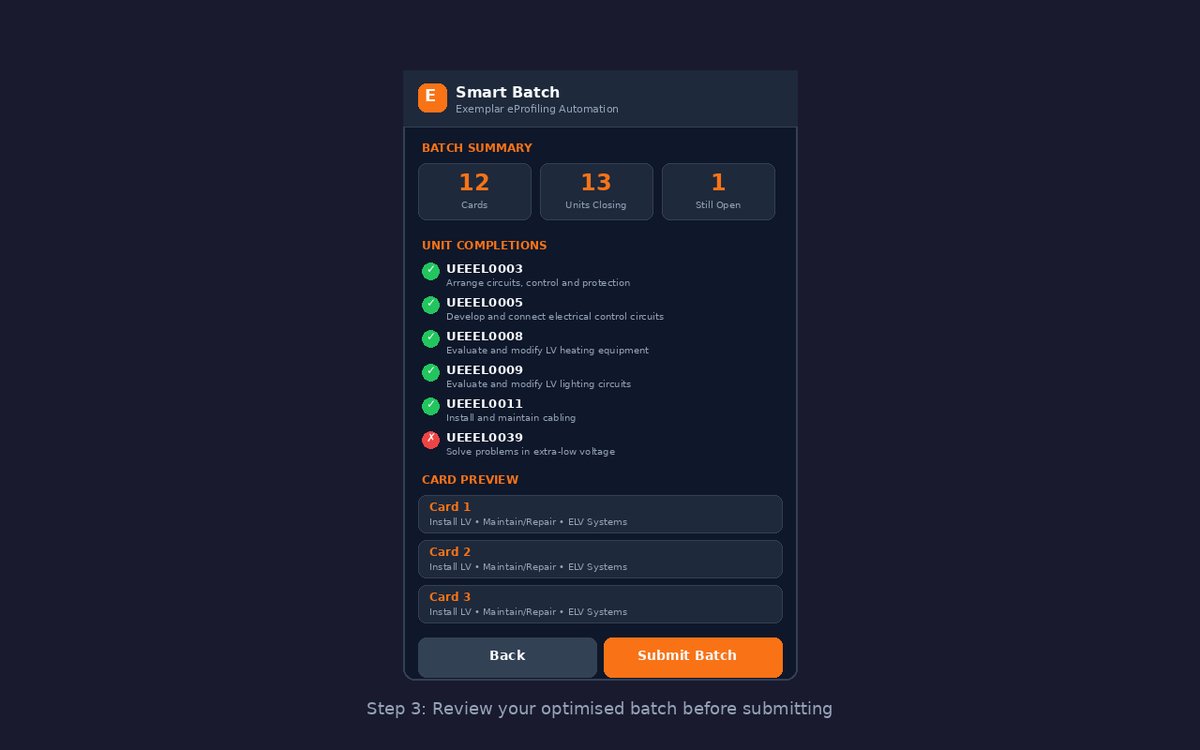
For each empty card slot, every possible work area gets a composite score based on how many units it would close (weighted heaviest), how many incomplete units it contributes to, the current gap size in that area, and point efficiency per hour. The algorithm picks the highest-scoring work area, updates projected points, re-scores, and repeats for all 3 slots on every card. The heavy weighting on "Units Closed" ensures it always prioritises finishing units over spreading points thin. It's better to fully close 13 out of 14 units than to get all 14 to 95%.
// multi-batch safety
A critical design consideration was handling multiple batch submissions. If a user runs Smart Batch, submits cards, then runs it again before the first batch is approved, the algorithm needs to account for the pending cards. Smart Batch solves this by always querying both APPROVED and SUBMITTED cards when calculating current points. This prevents double-counting and ensures each new batch builds on the user's full progress.
// api integration
The extension communicates with the Exemplar API using the user's existing authenticated session via AWS Cognito with OAuth2 Authorization Code Flow + PKCE. A key technical challenge was resolving supervisor names, since the API doesn't expose other users' profiles to apprentice accounts (returns 403 Forbidden). The solution was to extract supervisor names from the approver_name field on previously approved cards, since the approver is always the nominated supervisor.
// privacy & security
Privacy was a core design principle. All data stays between the user's browser and Exemplar's servers, with no intermediate servers, no data collection, no analytics, no tracking, and no cookies. The extension only activates on the Exemplar domain, all JavaScript is bundled locally with no remote code loading, and source code is obfuscated to protect the algorithm and qualification data.
// screenshots
// results
Using Smart Batch on my own eProfiling account: submitted 29 cards across two batches (14 + 15 cards) in minutes instead of hours. Projected to close 13 out of 14 core units to 100% once approved. Correctly identified the remaining gap in UEEEL0003 and allocated work areas accordingly. Zero errors in card submissions, all cards accepted by the Exemplar API.
// tech stack
// background
Before building the Chrome extension, I prototyped the concept using n8n workflow automation with PowerShell CSV generation scripts and direct API calls. This earlier iteration used refresh-token-based authentication, CSV-based batch uploads, and minimal stub generation to fill missing work areas. The learnings from that prototype directly informed the final Chrome extension architecture, which wraps the entire workflow into a seamless in-browser experience.